Intro
After a long hiatus from ML/robotics I'm trying to get back to it.
One of things I'm trying to do is switch all of my code over to PyTorch and fastai. One of the features that fastai offers is a set of image augmentations they call Transforms. I thought I'd try training some DonkeyCar models and see how much the Transforms help.
Methods and Results
transforms=[None,
            RandomResizedCrop(128,p=1.0,min_scale=0.5,ratio=(0.9,1.1)),
            RandomErasing(sh=0.2, max_count=6,p=1.0),
            Brightness(max_lighting=0.4, p=1.0),
            Contrast(max_lighting=0.4, p=1.0),
            Saturation(max_lighting=0.4, p=1.0)]
| Transform | Validation Loss (mean) | Std |
|---|---|---|
| None | 0.1352 | 0.0030 |
| Brightness | 0.1398 | 0.0028 |
| Contrast | 0.1382 | 0.0030 |
| RandomErasing | 0.1361 | 0.0015 |
| RandomResizedCrop | 0.1638 | 0.0022 |
| Saturation | 0.1372 | 0.0031 |
Transformed images
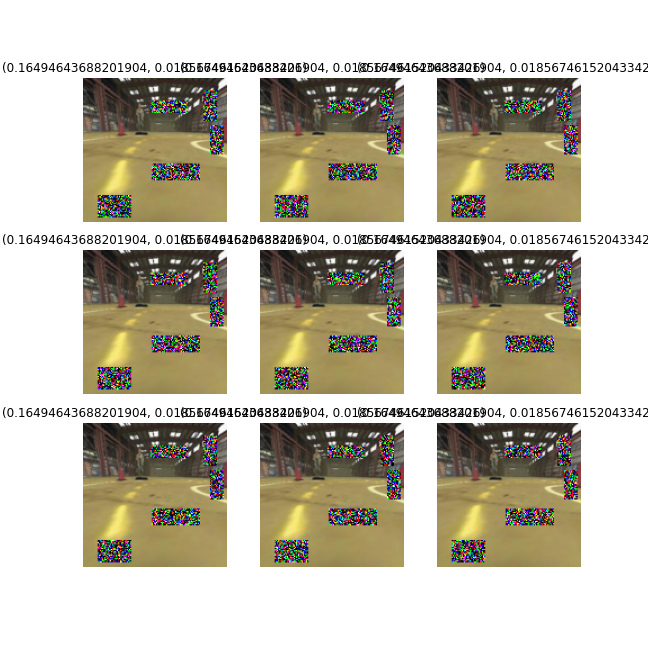
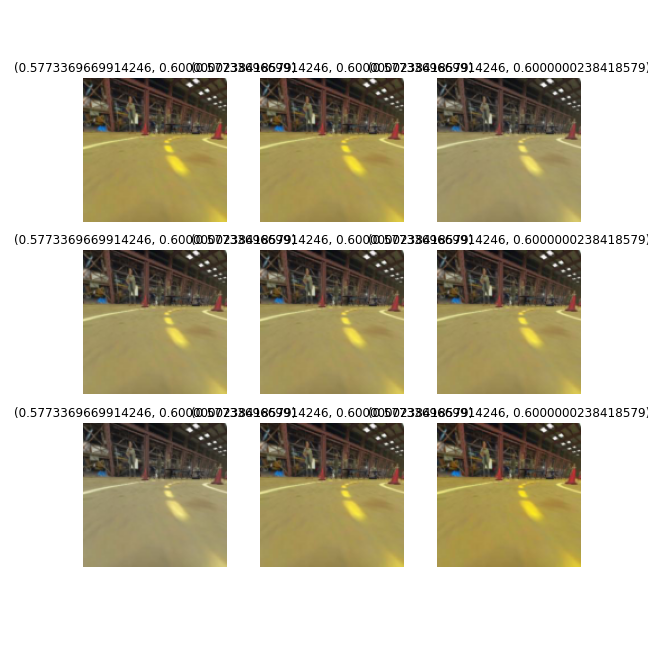
These are sample images from each Transform, using parameters I chose after manually inspecting a range of values.
No Transform
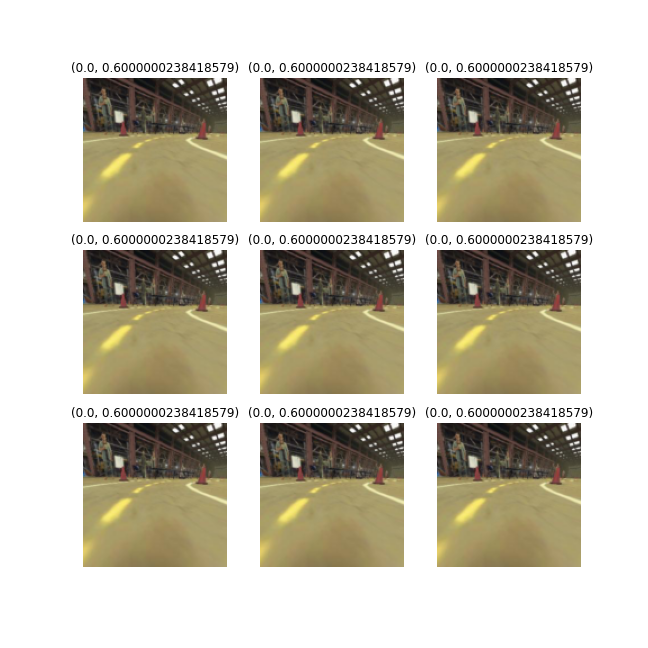
RandomResizedCrop

RandomErasing
Brightness
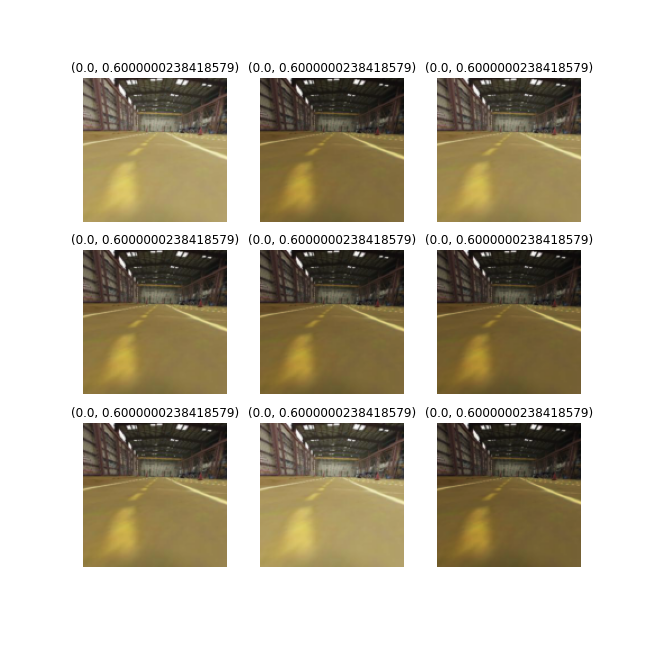
Contrast
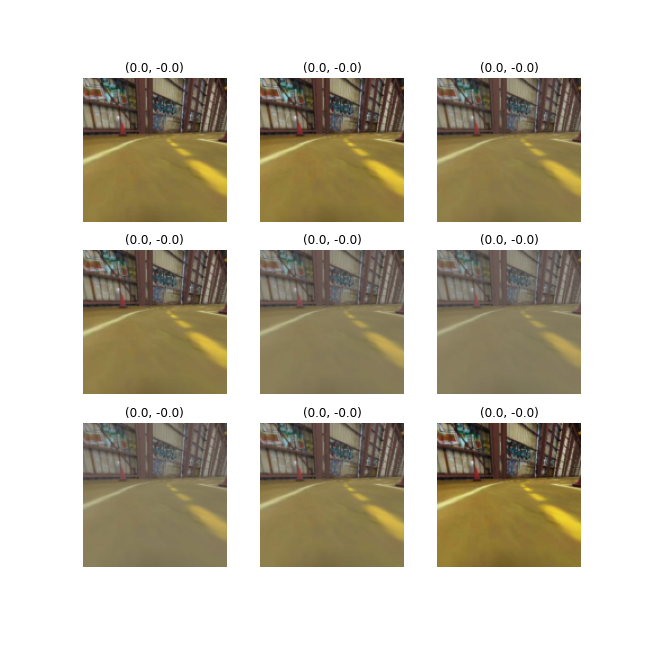
Saturation
Conclusions
None of the Transforms, when used individually, made a noticeable improvement. RandomResizedCrop may even have been worse.
For now, at least, I won't be using anything except Resize, to get my images to the correct input size.
Future
- Instead of comparing validation loss, try running each trained model in the simulator and compare number of laps and lap times.
- Rerun with more data, especially when I start training on more than one track.